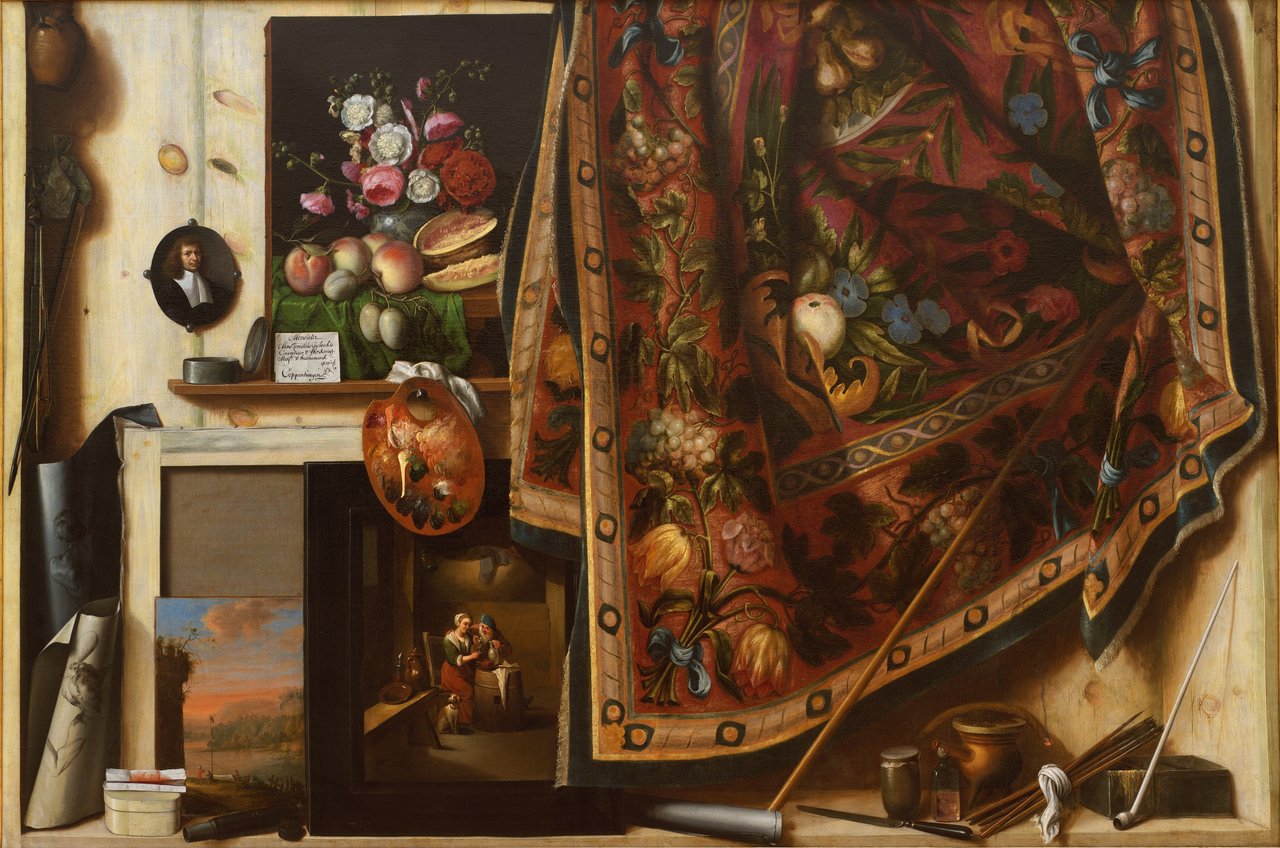
Cornelis Norbertus Gijsbrechts, Trompe l'oeil. A Cabinet in the Artist's Studio, 1670 to 1671, oil on canvas. SMK, National Gallery of Denmark, open access.
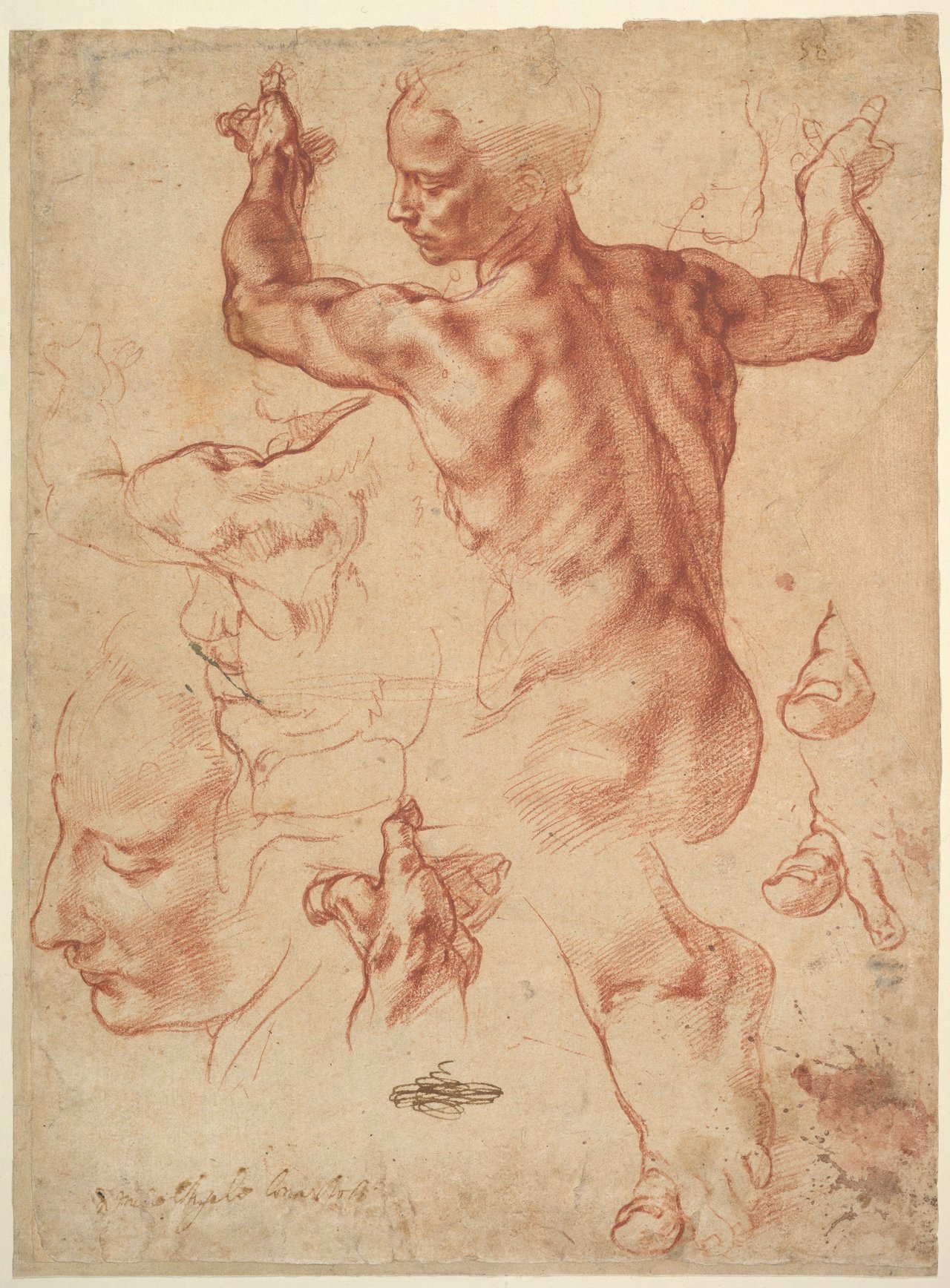
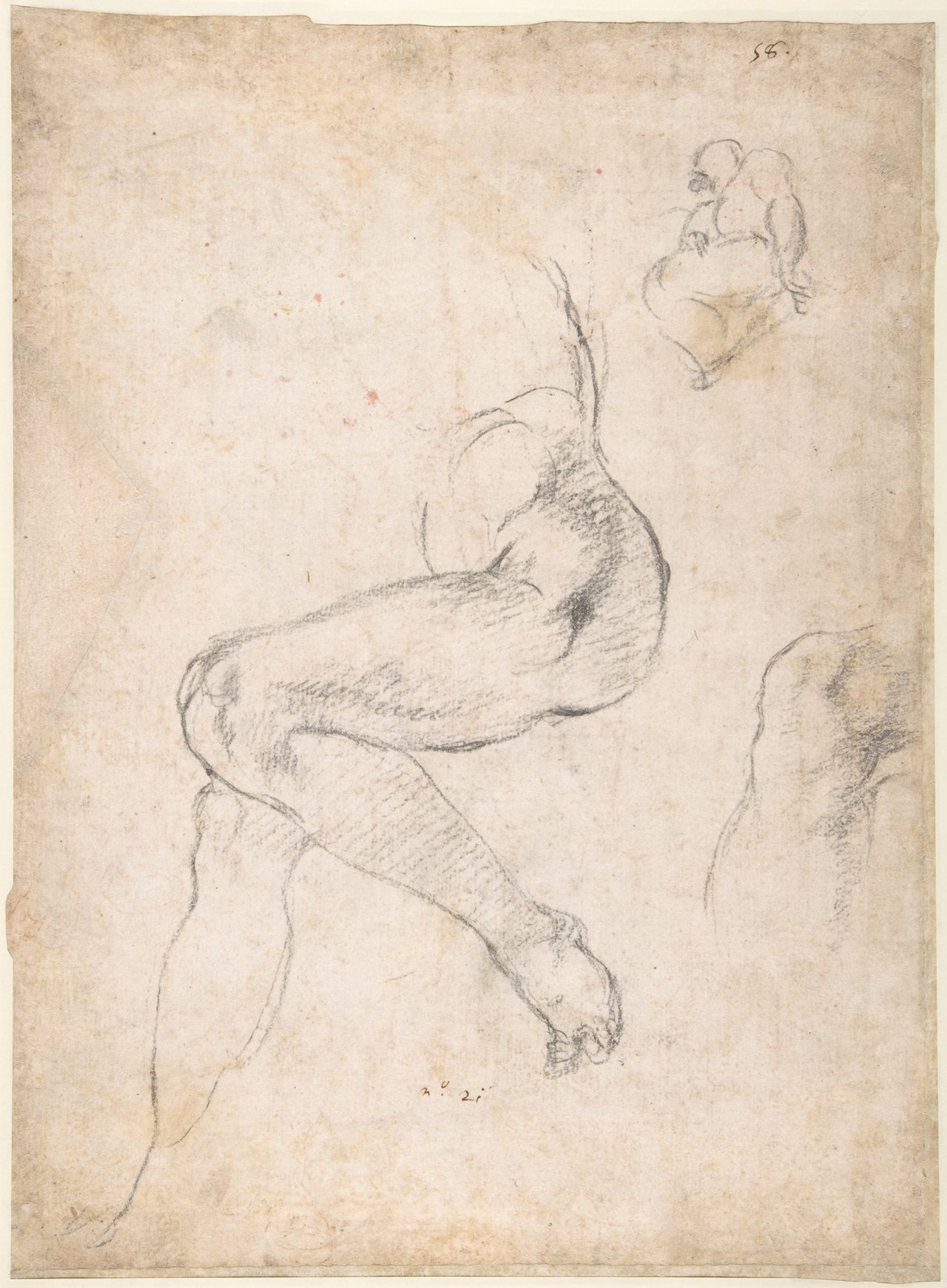
Michelangelo Buonarroti, Studies for the Libyan Sibyl (recto), about 1510 to 1511, red chalk. The Metropolitan Museum of Art, open access.
Michelangelo Buonarroti, Studies for the Libyan Sibyl and a small Sketch for a Seated Figure (verso), about 1510 to 1511, black chalk. The Metropolitan Museum of Art, open access.
A sheet with two sides. Every entry below works the same way.
Artworks
Catalogue
One record per work, with everything a registrar keeps and everything a visitor should see, in every language.
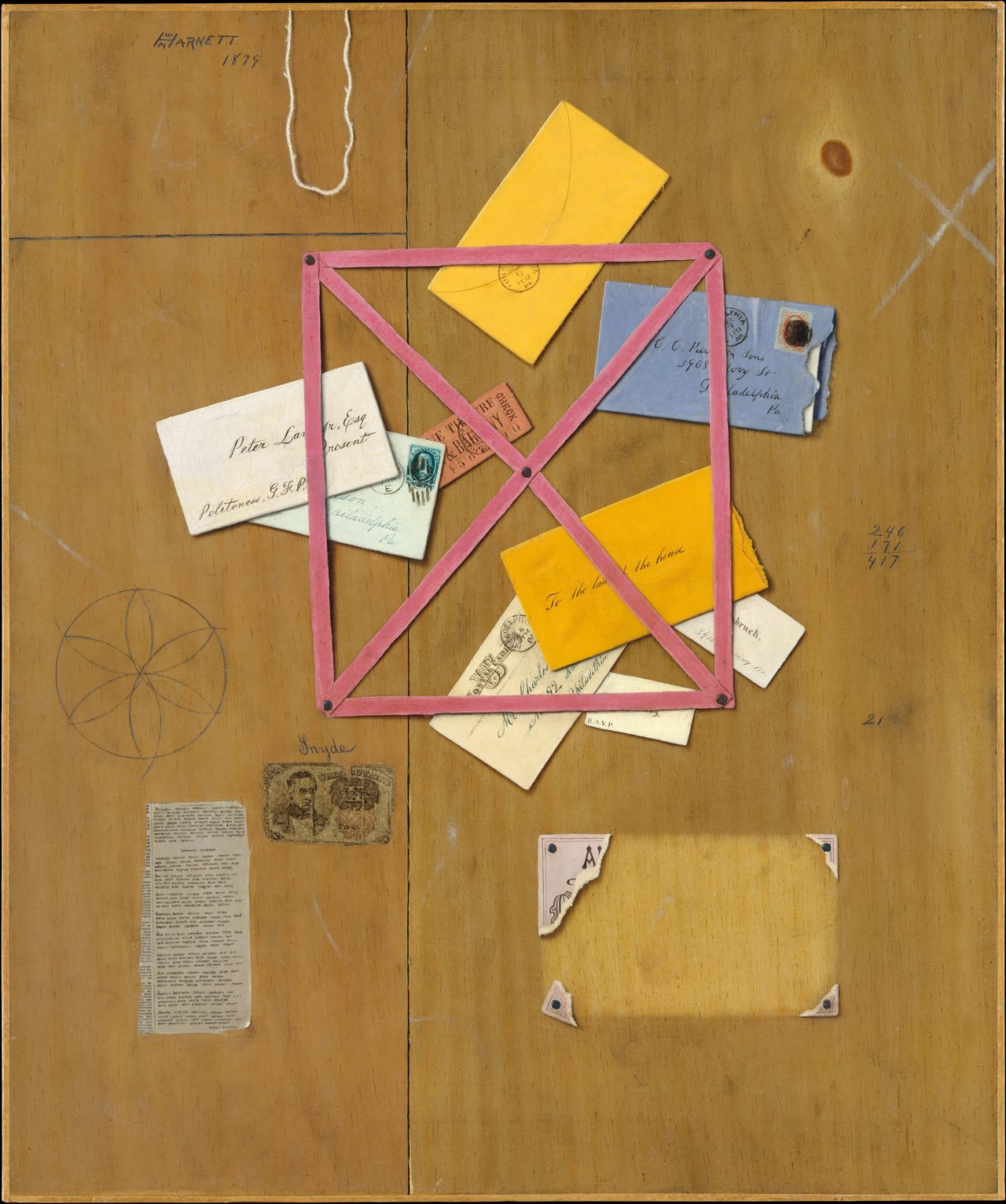
William Michael Harnett, The Artist's Letter Rack, 1879, oil on canvas. The Metropolitan Museum of Art, open access.
Title, artist, date (circa, a span of years or an exact date), reference number, quantity, weight and origin.
Dimensions framed and unframed, in centimetres or inches.
In every language: short and long description, provenance, literature, exhibition history, signature and source.
Price, asking price and reference price in any currency, with an Artist's Resale Right flag.
Auction details: lot number, estimates, starting bid, reserve, hammer price, phone bidding and the expert's name.
Images uploaded together, one chosen as the cover.
Statuses in your own words and colours, such as available, reserved or sold.
Search details in every language: page title, description, image alt text and structured data.
A table or card view with the columns you choose, filters, drag-to-order for the website, archive, duplicate, bulk actions and CSV export.
An internal note that never reaches the website, and three free fields per language.
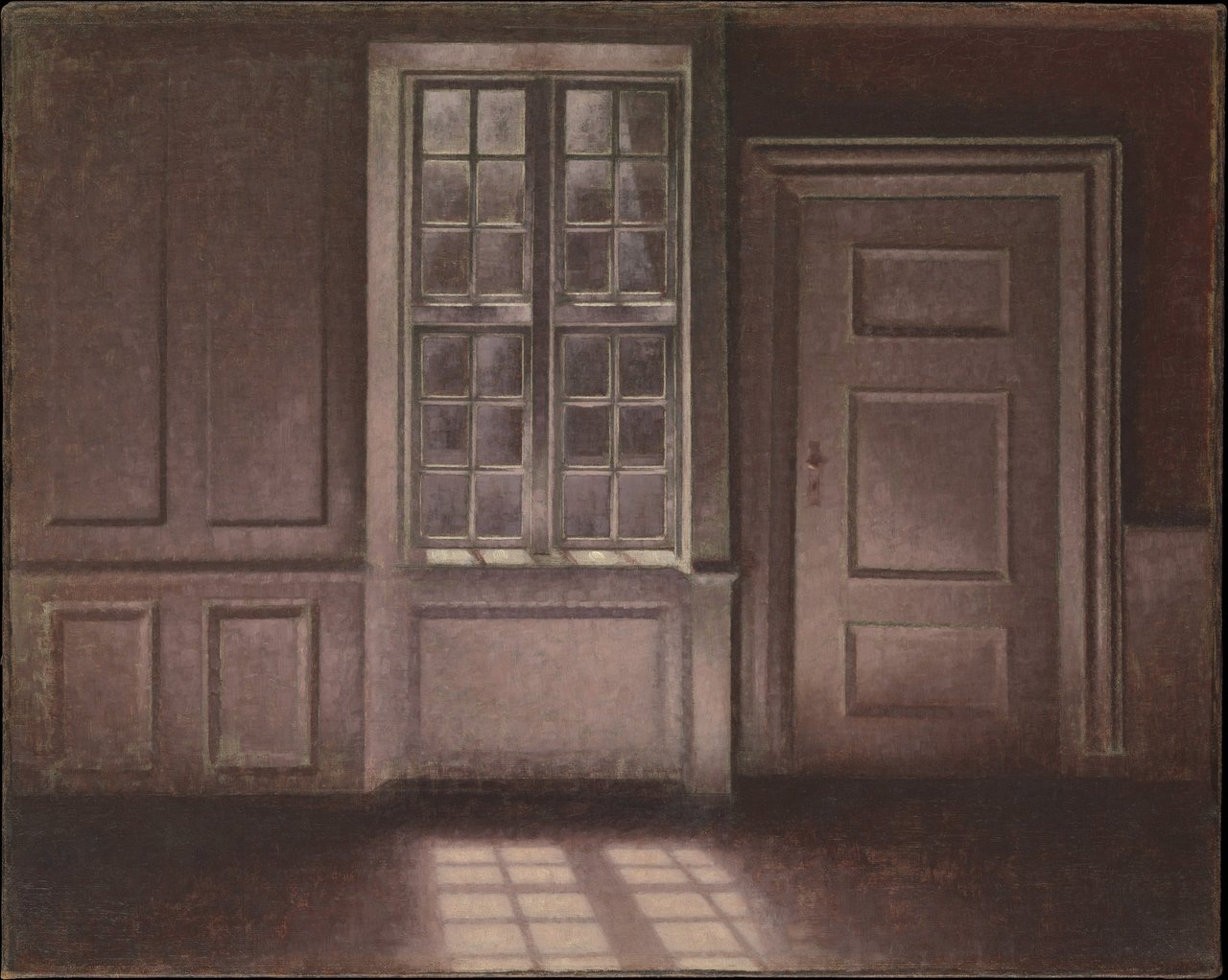
Johannes VermeerYoung Woman with a Water PitcherMartinus RørbyeView from the Artist's WindowVilhelm HammershøiMoonlight, Strandgade 30Utagawa HiroshigeAsakusa Ricefields and Torinomachi Festival
Visible on the websiteWorks are for sale at this event
GeneralDescriptionArtworks (7)
Search artworks…7 of 48 linked
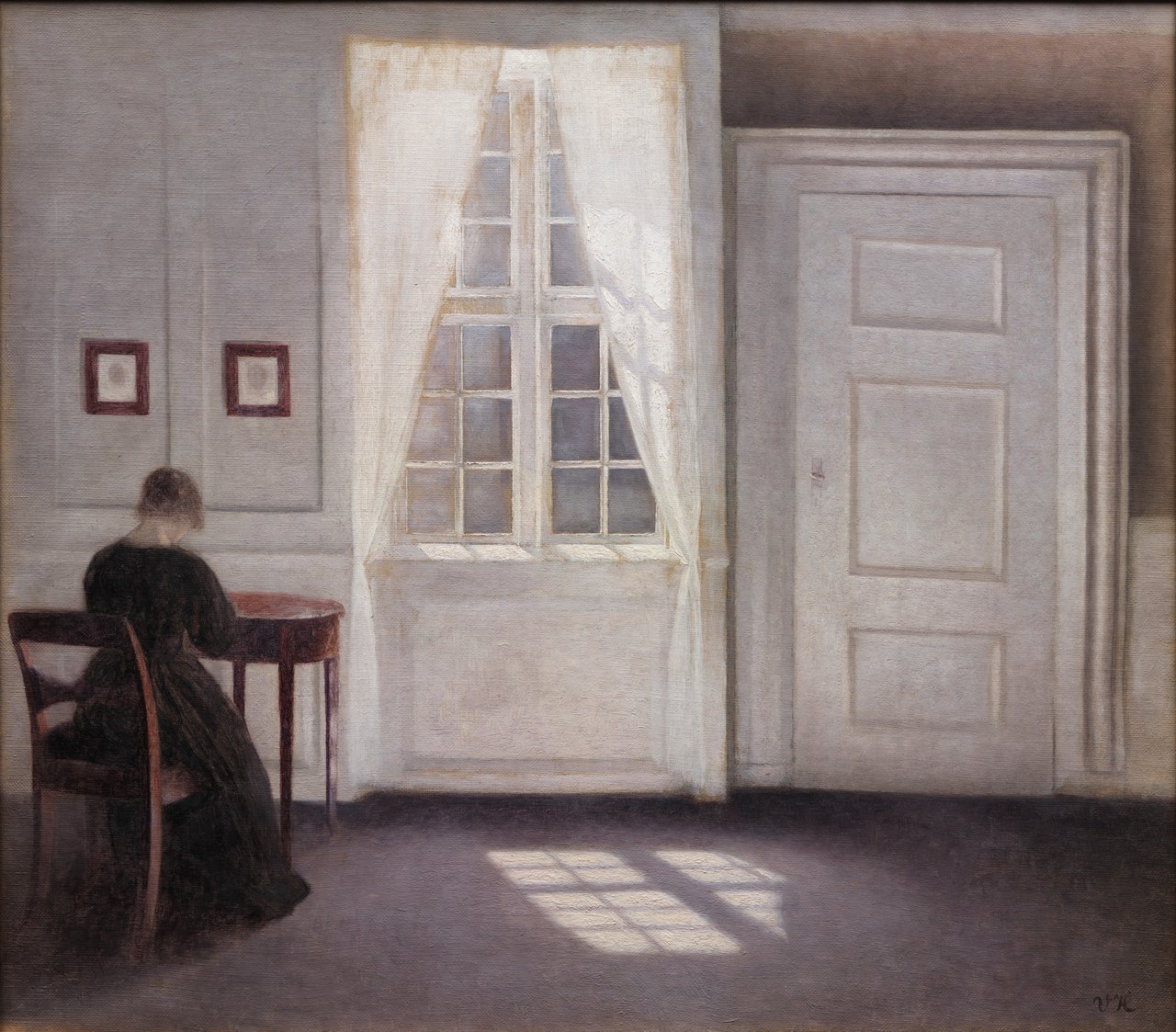
Young Woman with a Water PitcherJohannes VermeerView from the Artist's WindowMartinus RørbyeInterior in Strandgade, Sunlight on the FloorVilhelm Hammershøi
Front On the website: the exhibition page with the works on view.
Back In the back office: the exhibition record and its checklist of works.
Illustration, simplified. Gallery, people and prices are fictional.
Pages and blocks
Website
Build pages from blocks: lists of works, artist indexes, slideshows, forms, text and more. Drag them into place.
27 block types, from works lists and exhibition lists to contact forms and a language switcher.
Five areas on every page, around a header and footer shared by the whole website.
Text blocks written once and placed on as many pages as you like.
Titles and descriptions per page and per language; show a page in the menu and the sitemap, or keep it out of search.
Set each page's address, including pages that show one work or one artist.
Featured works, recently viewed works and a search form are blocks like any other.
Windows12 September to 21 December 2026Exhibitions
Galerie Lucarne shows paintings, prints and photographs from the seventeenth century to the early twentieth, in a former bookbinder’s workshop in Paris.
Featured works
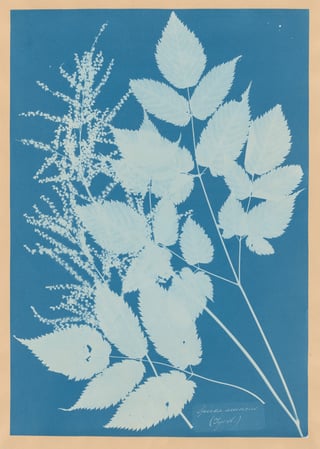
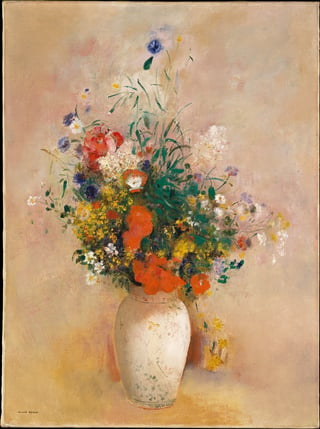
Asakusa Ricefields and Torinomachi FestivalSpiraea aruncus (Tyrol)Vase of Flowers (Pink Background)
Windows12 September to 21 December 2026Exhibitions
EditingSaveCancel
Galerie Lucarne shows paintings, prints and photographs from the seventeenth century to the early twentieth, in a former bookbinder’s workshop in Paris. Open Tuesday to Saturday, 11:00 to 18:00.
← Pages · Galerie LucarneHome
Blocks (4)SettingsSEO
Home slideshowIntroductionFeatured artworks
Edit static content
Name (all languages)Introduction
Edit in webSigned-in admins of this website get an Edit button on this module on the live site, and can rewrite it there.
CONTENTENFRRUSync
Galerie Lucarne shows paintings, prints and photographs from the seventeenth century to the early twentieth, in a former bookbinder’s workshop in Paris.CancelSave
Front On the website: a text block open for editing.
Back In the back office: the switch that allows it.
Illustration, simplified. Gallery, people and prices are fictional.
Languages
Website
Publish in as many languages as you need, in any script, each with its own addresses and texts.
The first language is the default; order the others by dragging.
Add a language and your existing texts are copied across, ready to translate.
Keep a new language hidden while you translate, then switch it on.
A language prefix in every address (/en/, /fr/), with hreflang for search engines.
As many languages as you need, on every plan.
Translated addresses through menu items.
Buttons, filters and form labels translated in English, French, German, Spanish, Italian, Dutch, Russian and Armenian.
Dates written in the visitor's language.
Need a language that is not listed yet? We add it for you.
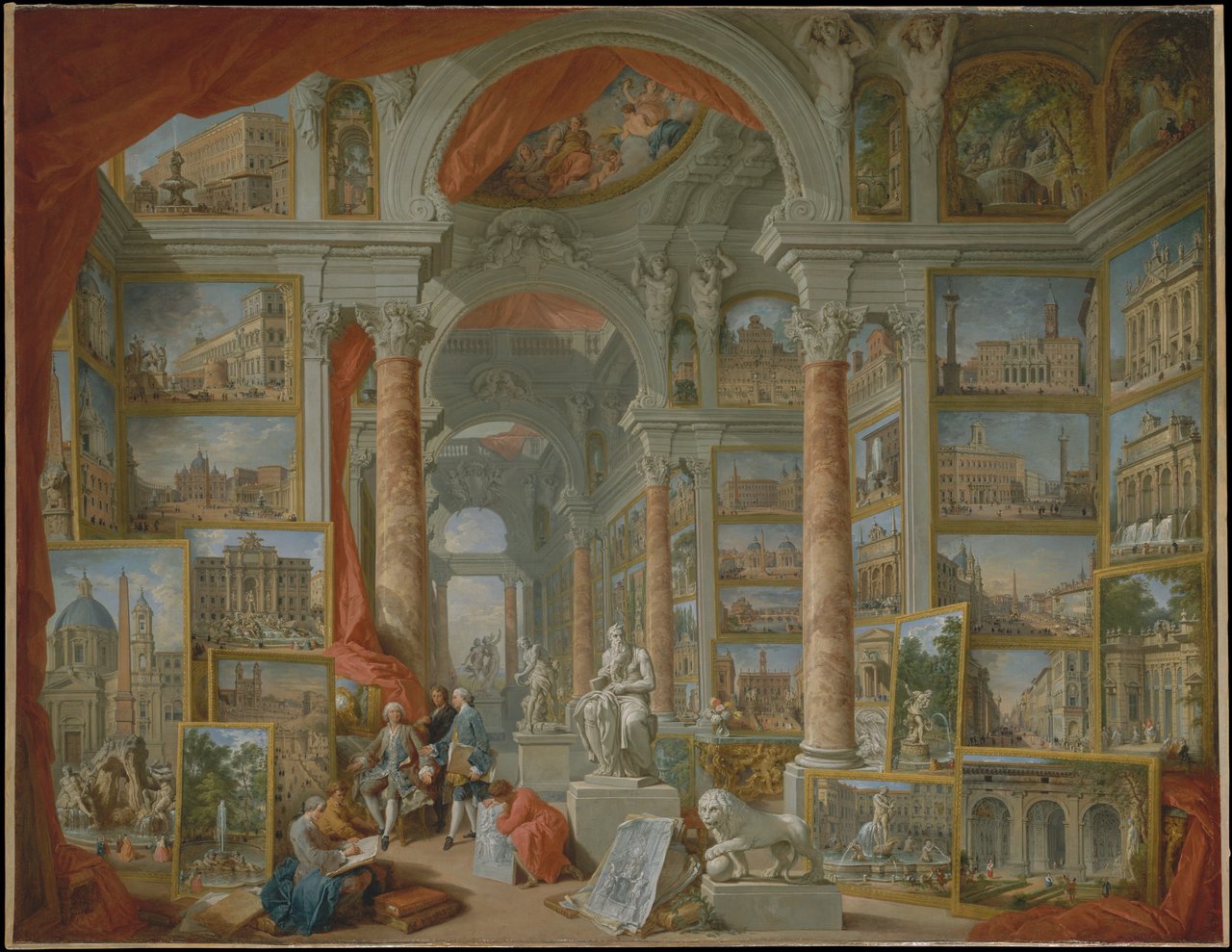
galerie-lucarne.fr/en/artworks/modern-rome
galerie-lucarne.fr/en/artworks/modern-romeGiovanni Paolo PaniniModern Rome, 1757Oil on canvas
galerie-lucarne.fr/fr/artworks/modern-romeGiovanni Paolo PaniniRome moderne, 1757Huile sur toile
Internal note[2026-10-06 14:32 Website enquiry] Artwork: View from the Artist's Window Is this work still available? I would like to see it in person next week.TagsCollector
Front On the website: an enquiry about a work.
Back In the back office: the enquiry on the contact's card.
Illustration, simplified. Gallery, people and prices are fictional.
Invoices
Sales
Invoices numbered for you, with lines filled from your works and a page ready to print.
Numbers in sequence (INV-2026-0042), never repeated.
The client's billing details kept as they were on the day of the invoice.
Discount, shipping, insurance, tax rate and Artist's Resale Right.
Issue date, due date, terms and status.
A print page in the browser; save it as a PDF from the print dialog.
Galerie LucarneParis
InvoiceINV-2026-0042sent
Bill toMaja LindqvistLindqvist Foundation, Stockholm
Issue date2026-10-06Due date2026-11-05
DescriptionQtyUnit priceAmount
Anna Atkins, Spiraea aruncus (Tyrol)Ref: GL-04231€3,200.00€3,200.00
Utagawa Hiroshige, Asakusa Ricefields and Torinomachi FestivalRef: GL-04201€4,800.00€4,800.00
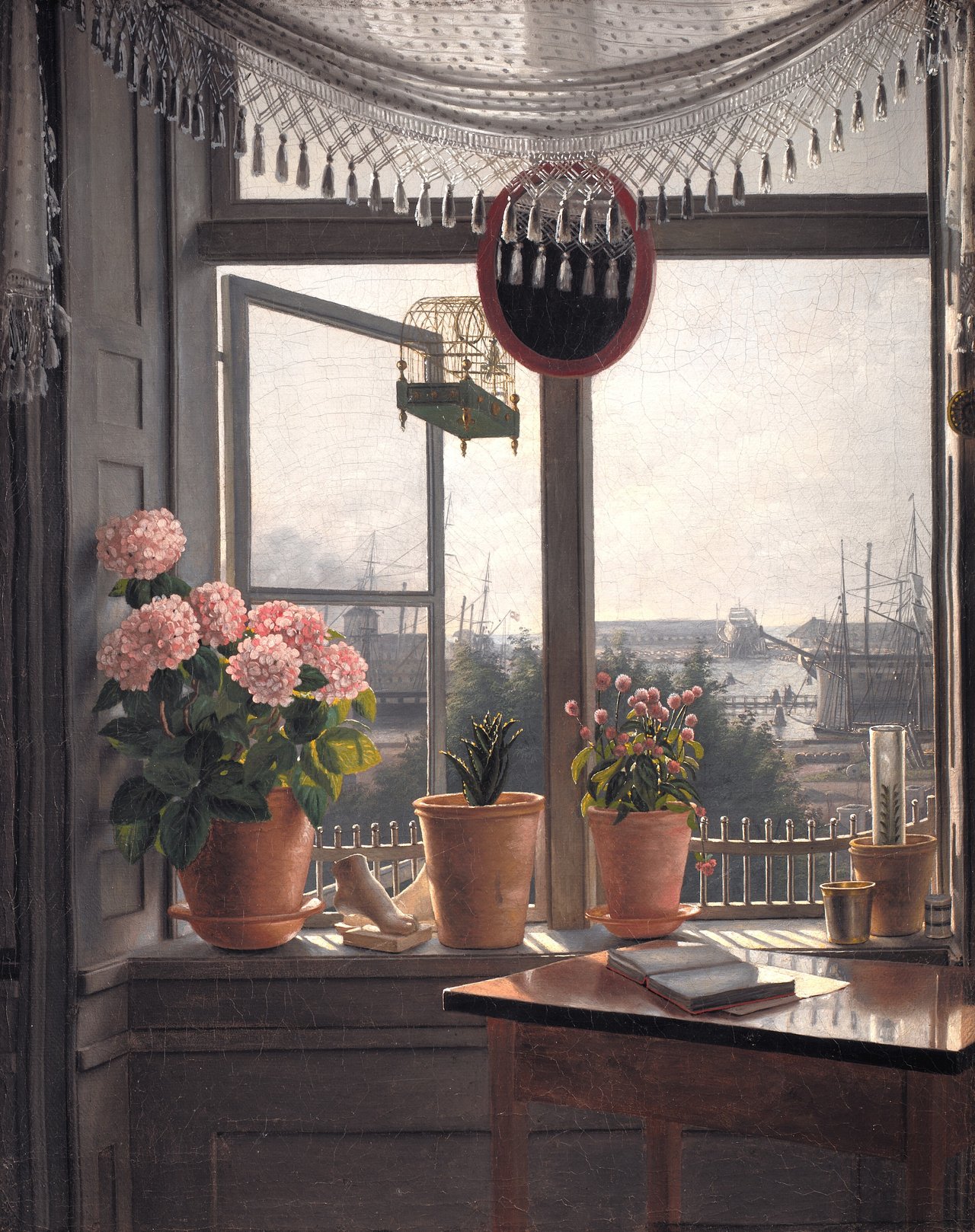
Martinus Rørbye, View from the Artist's WindowRef: GL-04051€28,000.00€28,000.00
Illustration, simplified. Gallery, people and prices are fictional.
The other entries, in brief.
Artists
Catalogue
A page for every artist you show, with their biography, life dates, exhibition history and works.
First, last and display names; dates and places of birth and death.
Biography, short description and exhibition history in every language.
A portrait and an optional video.
The artist's works listed on their page automatically.
A public list with A to Z, sorting, search and paging.
Order by dragging; hide an artist without deleting them.
News
Catalogue
Posts for openings, acquisitions and announcements, with categories, authors and dates.
Title, excerpt, body, captions and tags in every language.
A category tree, featured posts and drag-to-order.
The latest news on any page; a list with search.
A video link on any post.
Publications
Catalogue
Catalogues, monographs and books, with covers, prices and a link to read them online.
Front and back covers, date, price and tags.
Links to a page-flip edition and a PDF.
Title, subtitle and descriptions in every language.
Your own publication categories.
Press
Catalogue
Every review and mention, with outlet, author, date and a quote, in the languages you need.
Clip type, country, language and circulation.
A link to the article, a clipping image, a PDF and a video link.
Title, quote and description in every language.
A public list that filters by type, year and keyword.
Videos
Catalogue
Films and interviews from YouTube, Vimeo or a file link, captioned in every language.
Title, caption and description in every language.
A poster image; order by dragging.
Categories and statuses
Catalogue
Your own category tree for works and posts, and your own statuses with colours.
Drag to reorder and re-parent categories.
Statuses with your colours, in your order. A status in use cannot be deleted by accident.
Visitors filter works by category, artist and status.
Menus
Website
As many menus as you need, ordered by dragging, with labels and addresses in each language.
Links to your own pages or to other websites, opening in a new tab if you like.
Two levels shown on the website.
A translated address for any menu item, per language.
Text before and after a menu, such as the gallery's name.
Slideshows
Website
Slideshows of images or video for any page, with captions and buttons in each language.
Upload or pick images, or link a video with a poster image.
Order slides by dragging.
Title, caption, short text, button and alt text in every language.
Place a slideshow on one page or across the whole website.
Templates
Website
Live templates, one example of everything in each; every one works on Studio and Gallery. Start from one and change the design without touching a record.
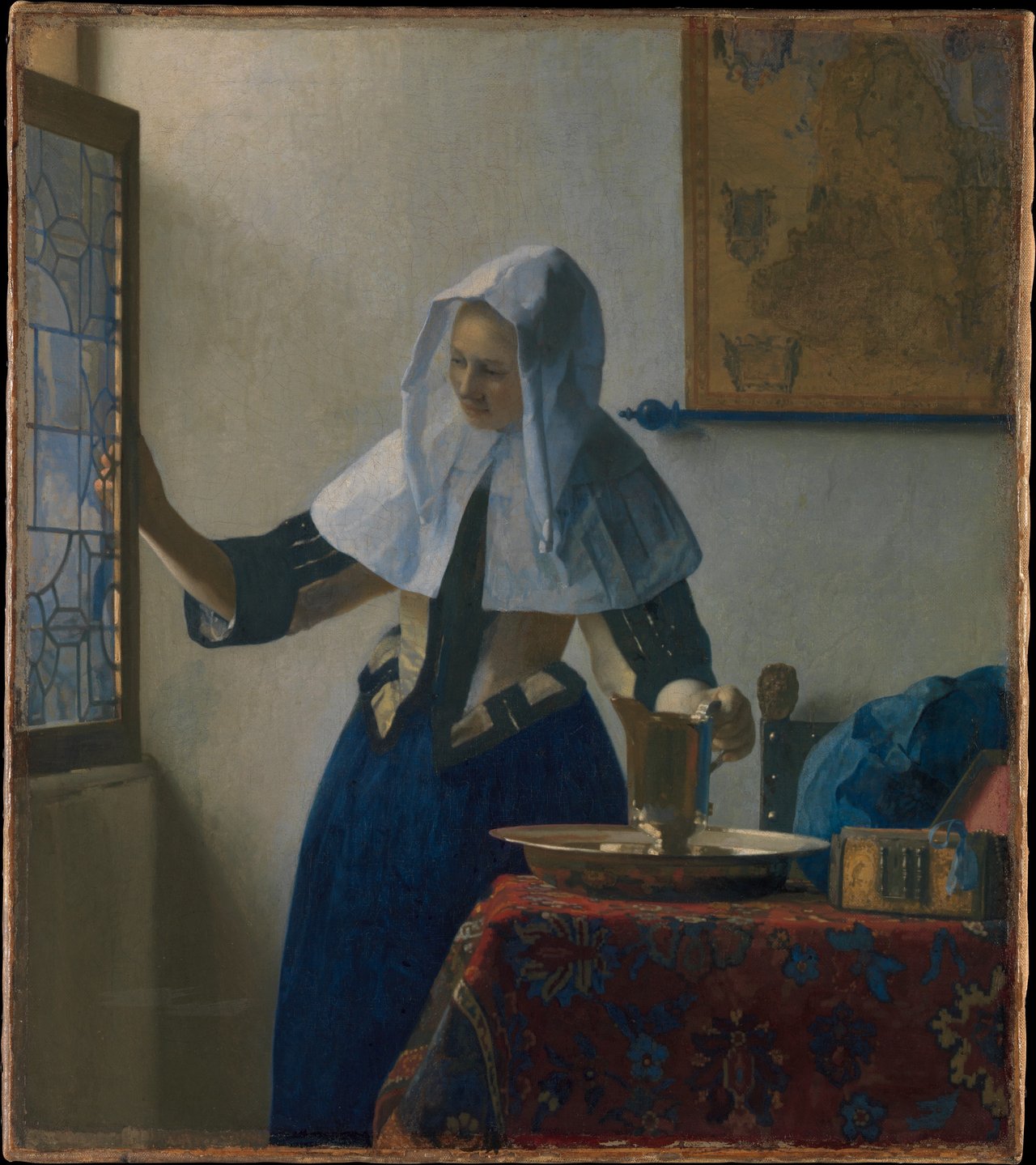
 GL-0398Young Woman with a Water PitcherJohannes VermeerReservedPainting45.7 × 40.6 cmVisible
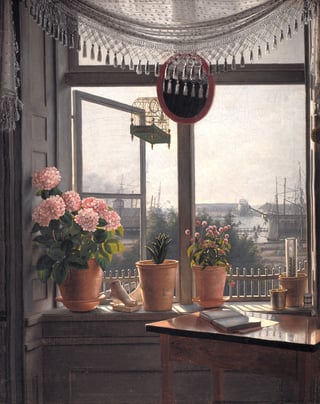 GL-0405View from the Artist's WindowMartinus RørbyeAvailablePainting€28,00038 × 29.8 cmVisible
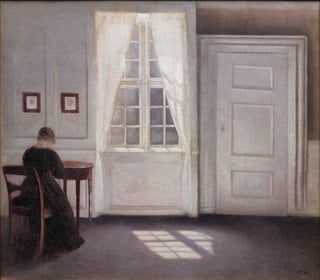 GL-0409Interior in Strandgade, Sunlight on the FloorVilhelm HammershøiAvailablePainting€64,00046.5 × 52 cmVisible
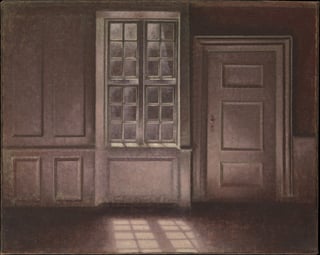 GL-0411Moonlight, Strandgade 30Vilhelm HammershøiSoldPainting€58,00041 × 51.1 cmVisible
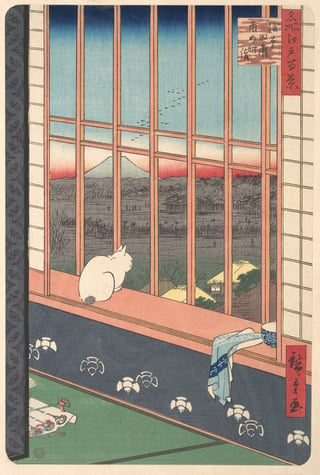 GL-0420Asakusa Ricefields and Torinomachi FestivalUtagawa HiroshigeAvailablePrint€4,80033.2 × 22.1 cmVisible